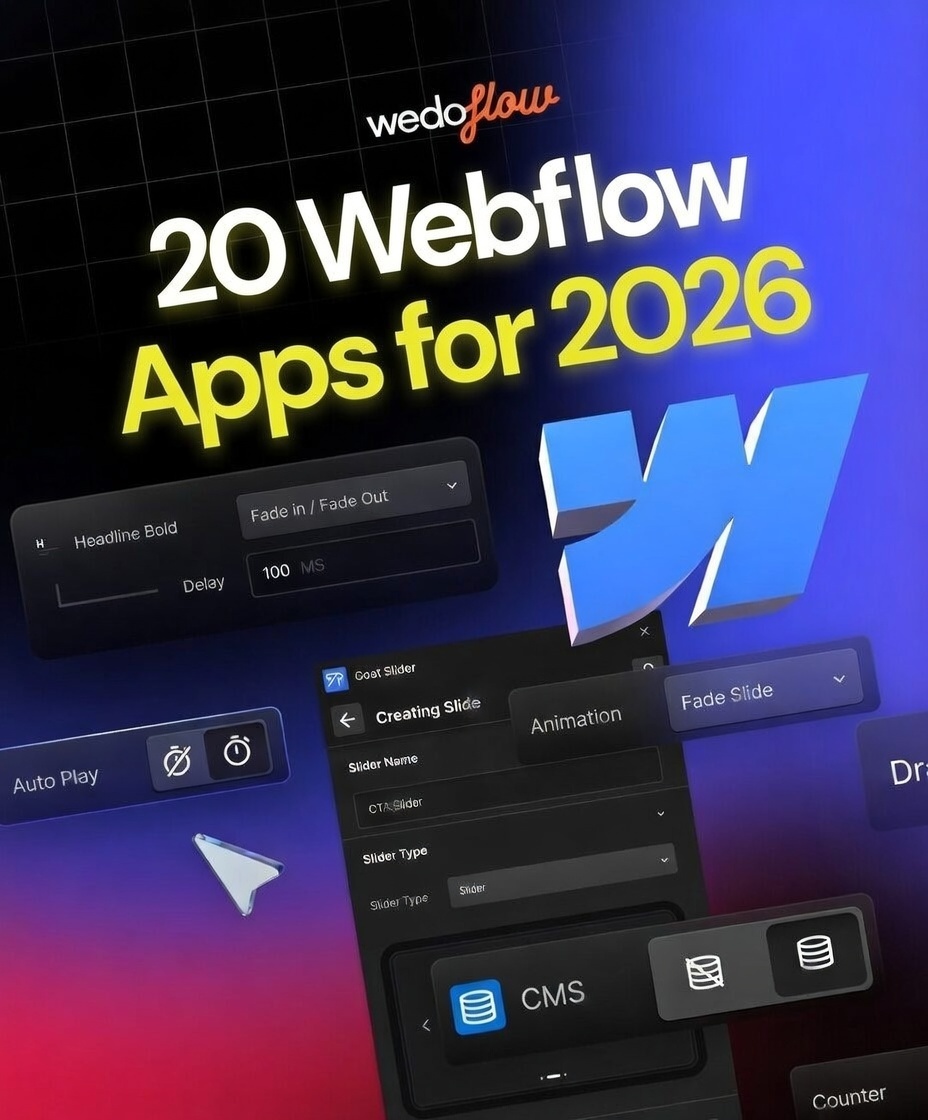
Goat Slider — The Greatest Webflow Slider of All Time
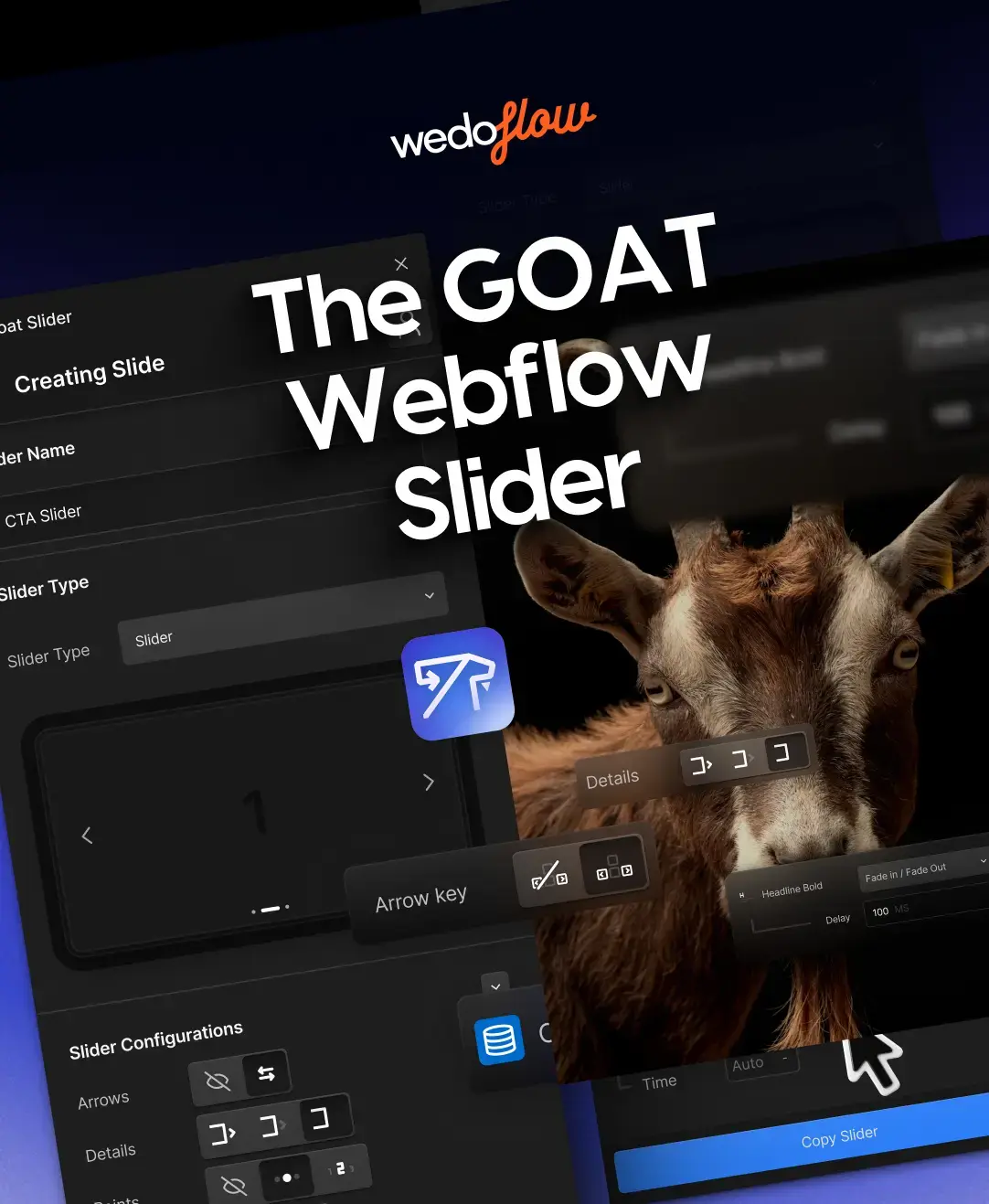
It’s been quite some time since Webflow designers and developers have been complaining about the painful and limited way of operation that the integrated Webflow Slider offers, but with Webflow’s announcement of Apps in 2023 everything changed.
Webflow Apps is a great opportunity given to the community by the Webflow team so that we together can bring valuable tools to the Webflow family, thus extending the platform’s abilities, and making it much easier and productive to use for every one of us.
The Idea of Goat Slider
Not long after Webflow apps were introduced, we started testing them by creating four awesome Webflow apps helpful for the community. We started from Ikonik offering 50k+ copyright-free icons, to SVGFlow, Logo To Use, Modulo, and Text Wizard AI, giving the Webflow community free tools for icons, logos, editing SVG files, and an awesome text generation tool to substitute the boring ‘Lorem Ipsums’ on your templates.
But we didn’t stop with that, after these awesome Webflow apps, we came up with the idea of creating a Webflow app that would be a solution to the clunkiness of the integrated Slider, and thus the journey began.
After much time and effort spent and many teases along the way on our social media, the Goat Slider launched for each and every one of you who have been waiting for a Slider solution like this.
What does the Goat Slider App do?
The Goat Slider Webflow app is the epitome of efficiency and flexibility when it comes to creating sliders within your Webflow projects.
Here’s a breakdown of what makes our slider the GOAT:
- Seamless Webflow Integration: The Goat Slider seamlessly integrates into your Webflow workflow, allowing you to add dynamic and responsive sliders to your websites without any hassle.
- Unmatched Variety of Slider Styles: Unlike the native slider's limitations, Goat Slider lets you create a vast array of slider styles. This includes classic arrows, sleek number navigations, infinite loops, carousels, and various transition effects like fades, slides, and even custom ones you can design yourself.
- Power of Webflow CMS: Goat Slider integrates beautifully with Webflow's CMS (Content Management System). This allows you to effortlessly manage your slider content directly from the Webflow interface. Add, edit, and delete slides with ease, keeping your content dynamic and fresh.
- Rich Media Support: Goat Slider supports a wide range of media types, including images, videos, and even interactive elements. This means you can create engaging sliders that go beyond static sliders.
- Mobile-First Design: Built with mobile responsiveness in mind, Goat Slider ensures that your sliders look stunning and function flawlessly on all devices, whether it's a desktop, tablet, or smartphone.
- Optimized Performance: Unlike traditional sliders that might slow down your website, Goat Slider is optimized for speed and performance, ensuring a smooth user experience.
- User-Friendly Interface: Even if you're not a seasoned developer, Goat Slider's user-friendly interface makes it easy to build and customize sliders with just a few clicks.
Goat Slider goes beyond just being a slider solution; it empowers Webflow designers to create a new level of dynamic and engaging experiences for their users.
How to Get Started with Goat Slider?
Getting started with Goat Slider is a breeze:
- Install the App: Head over to the Webflow App Library and install Goat Slider to your account.
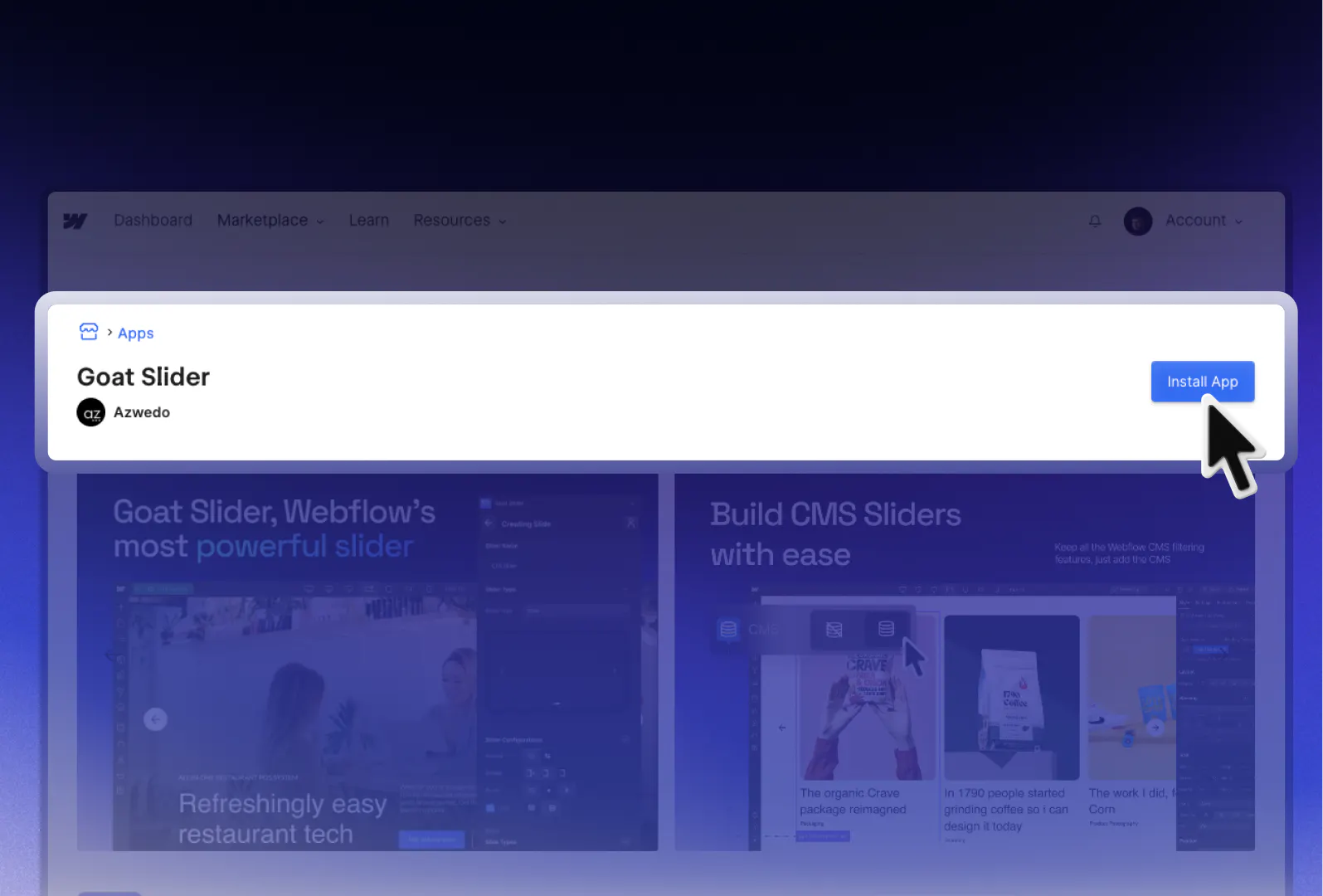
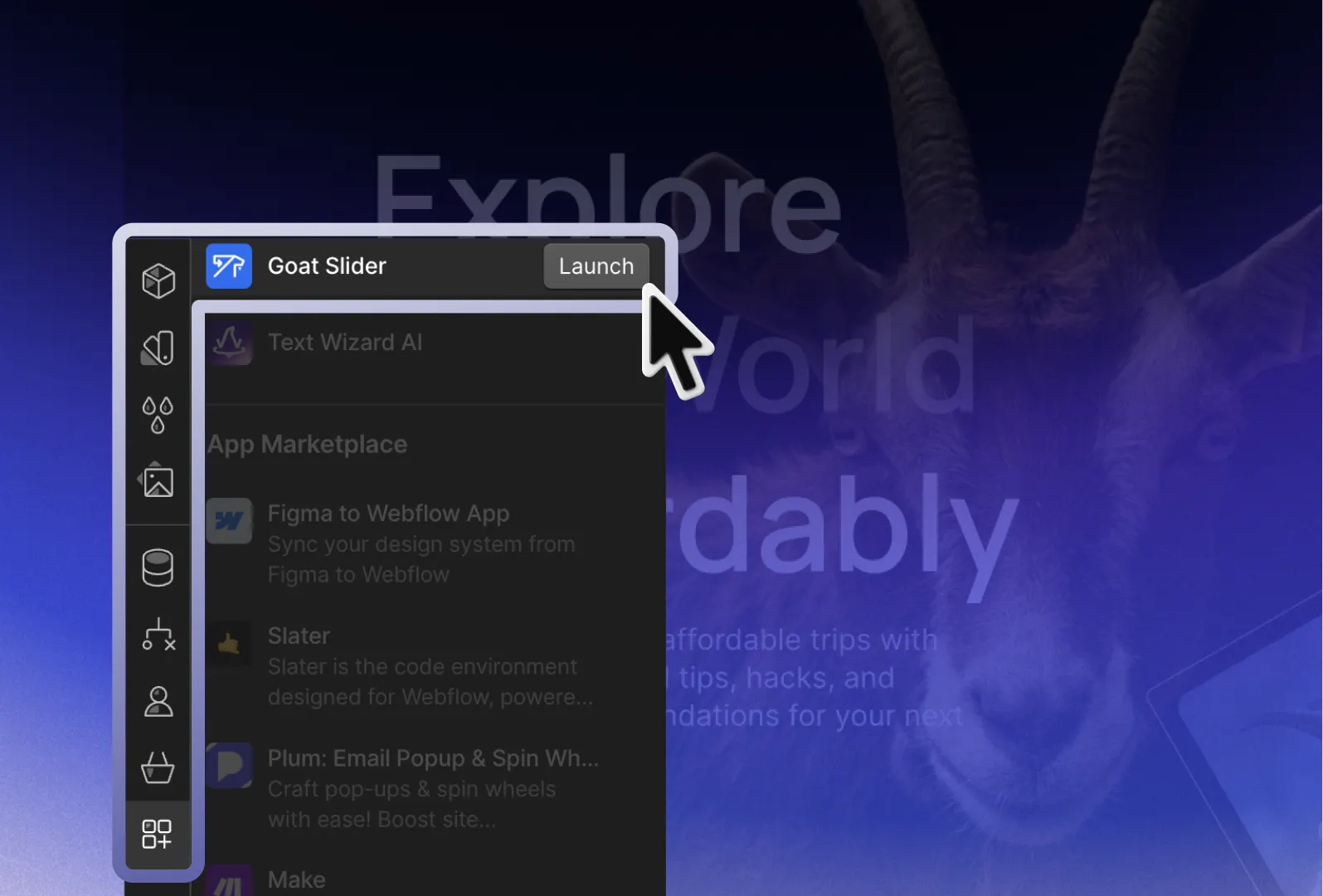
- Access the Interface: Once installed, you can access Goat Slider directly within your Webflow dashboard.
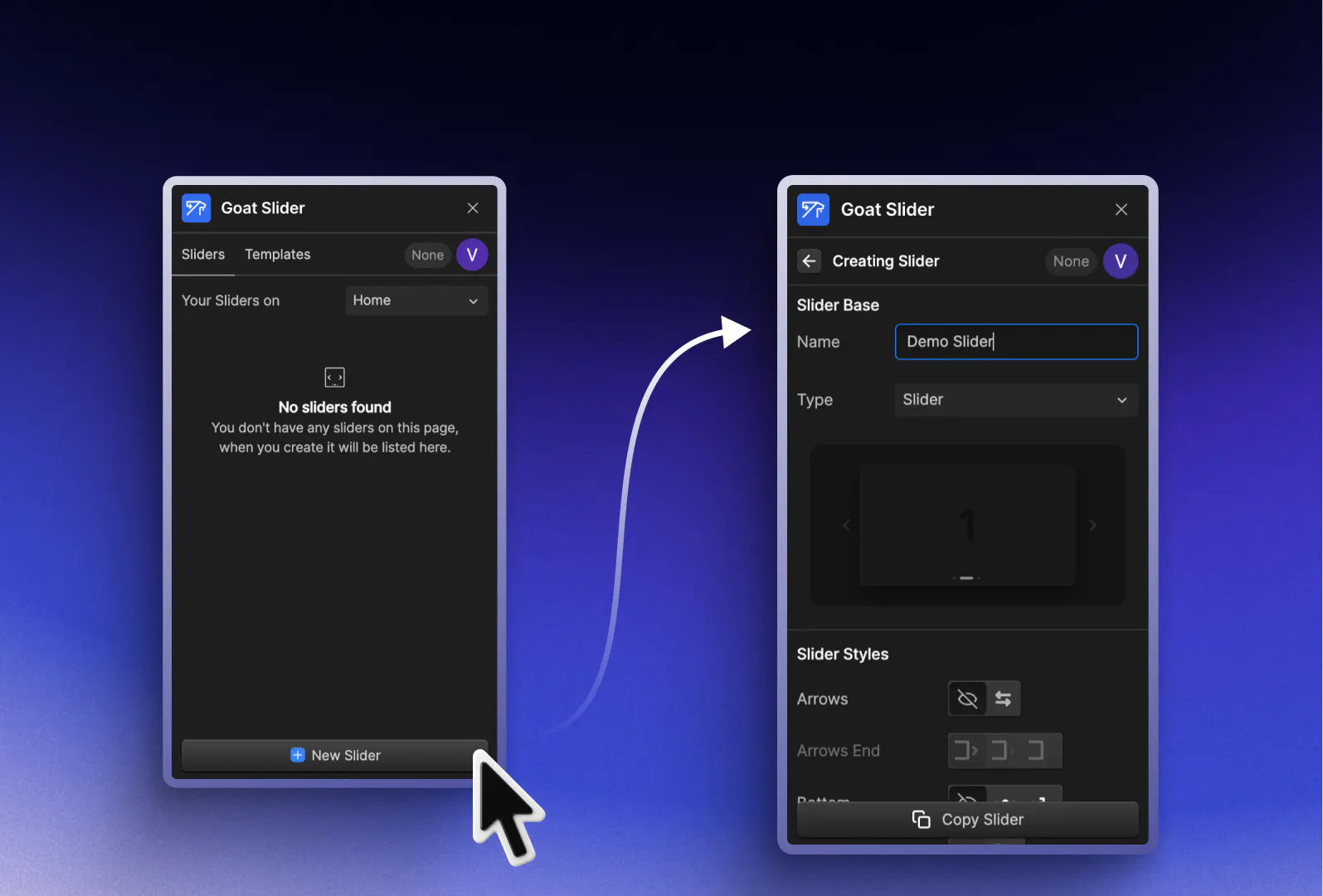
- Create Your Slider: Begin by creating a new slider or integrating Goat Slider into an existing project. You have two type choices: Slider and Carousel.
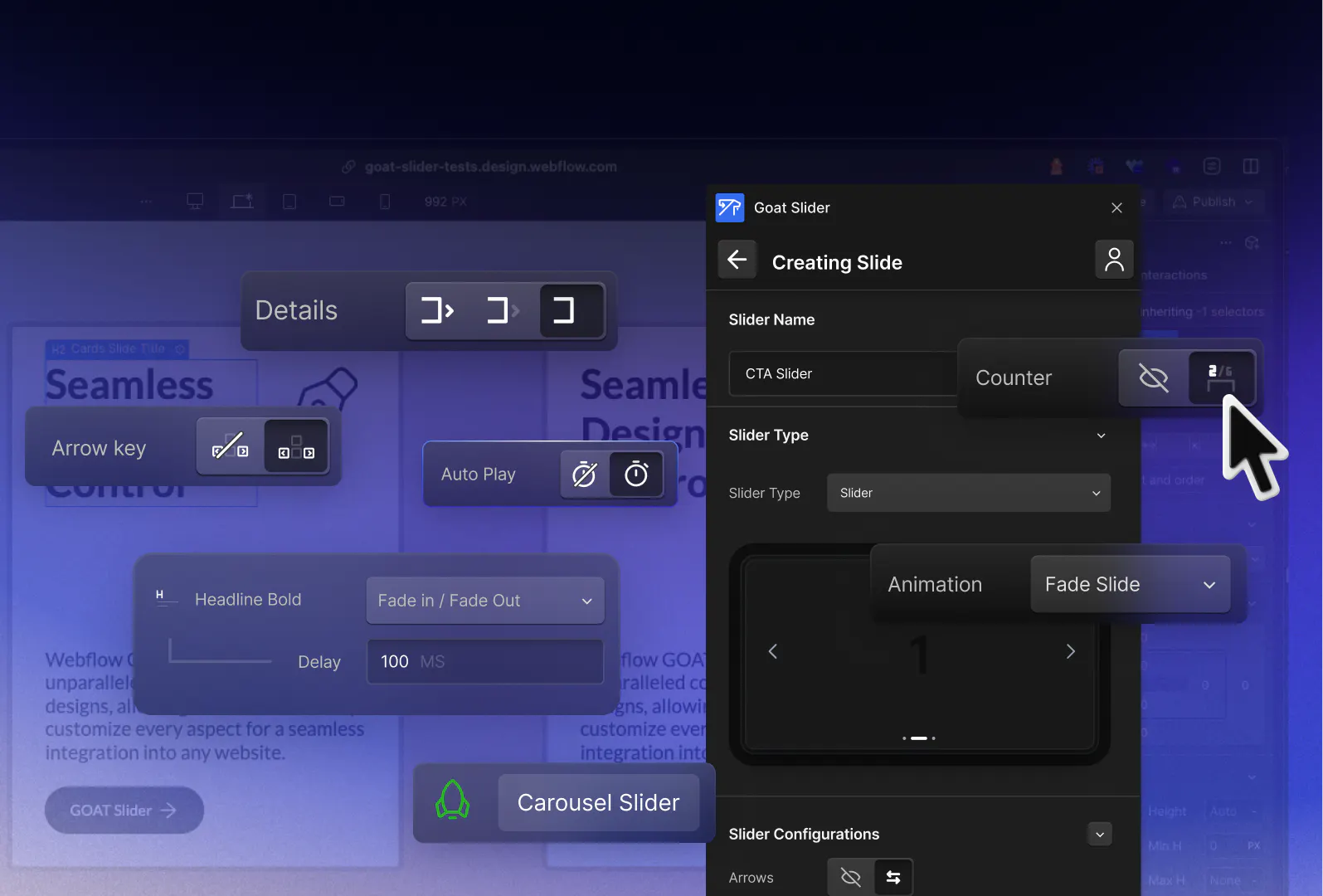
- Customize to Perfection: Use the intuitive customization options to tailor your sliders according to your design preferences.
- Publish and Enjoy: Once you're satisfied with your slider, simply publish your Webflow project to see Goat Slider in action on your live website.
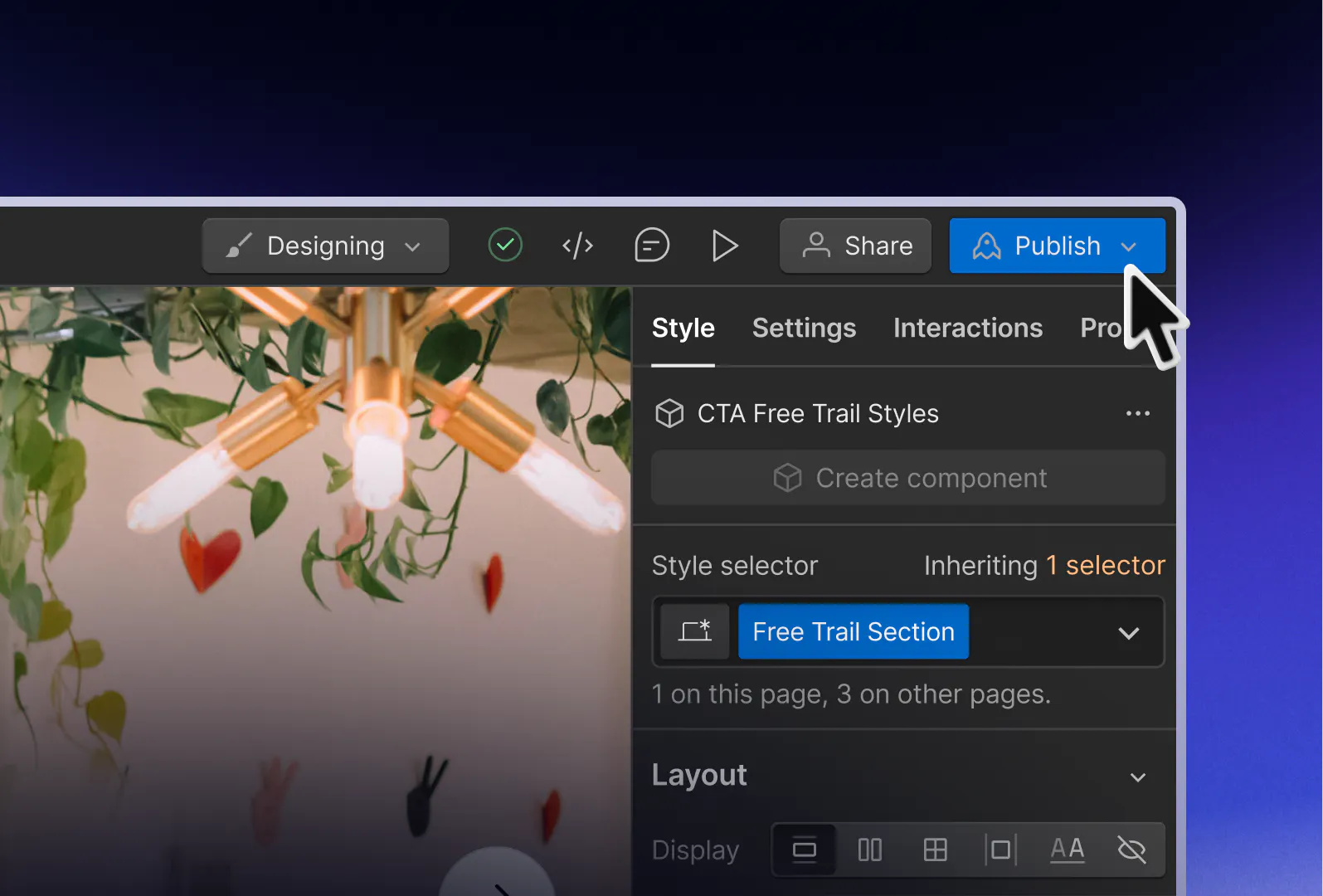
Is the Goat Slider Webflow App free?
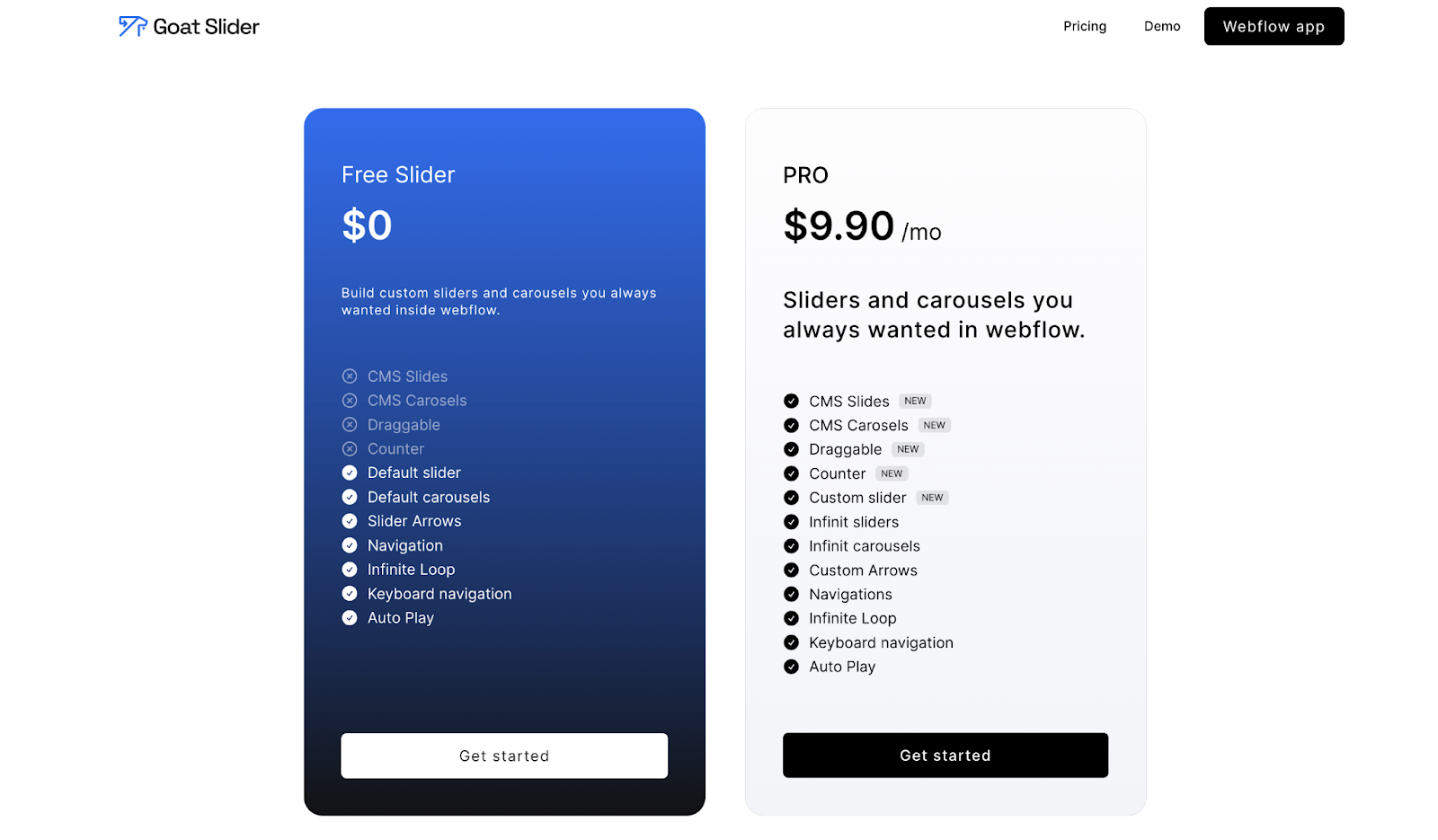
The Goat Slider Webflow app is offered in a free and premium version. The free version includes a variety of slider styles, including Classic Arrows, usage of Infinite loop, Autoplay, and other navigation options.
The premium version on the other hand offers added features including CMS slider, Draggable slides, and Counter. You can see more details in the pricing table below and other important dev info in the Goat Slider documentation!
Pre-made Slider Templates
If you’re wondering, “Is there anything more offered with the Goat Slider?” the answer is yes!
While the entire idea behind no-code and Webflow is offering a faster solution to web development, we’ve extended this philosophy to the Goat Slider as well by including pre-made slider templates.
Goat Slider offers a variety of pre-designed slider and carousel templates to suit your project needs. Whether you’re looking for simpler sliders or more premium solutions, there are many options available that will fulfill your project requirements.
5 Awesome Premium Slider template showcases
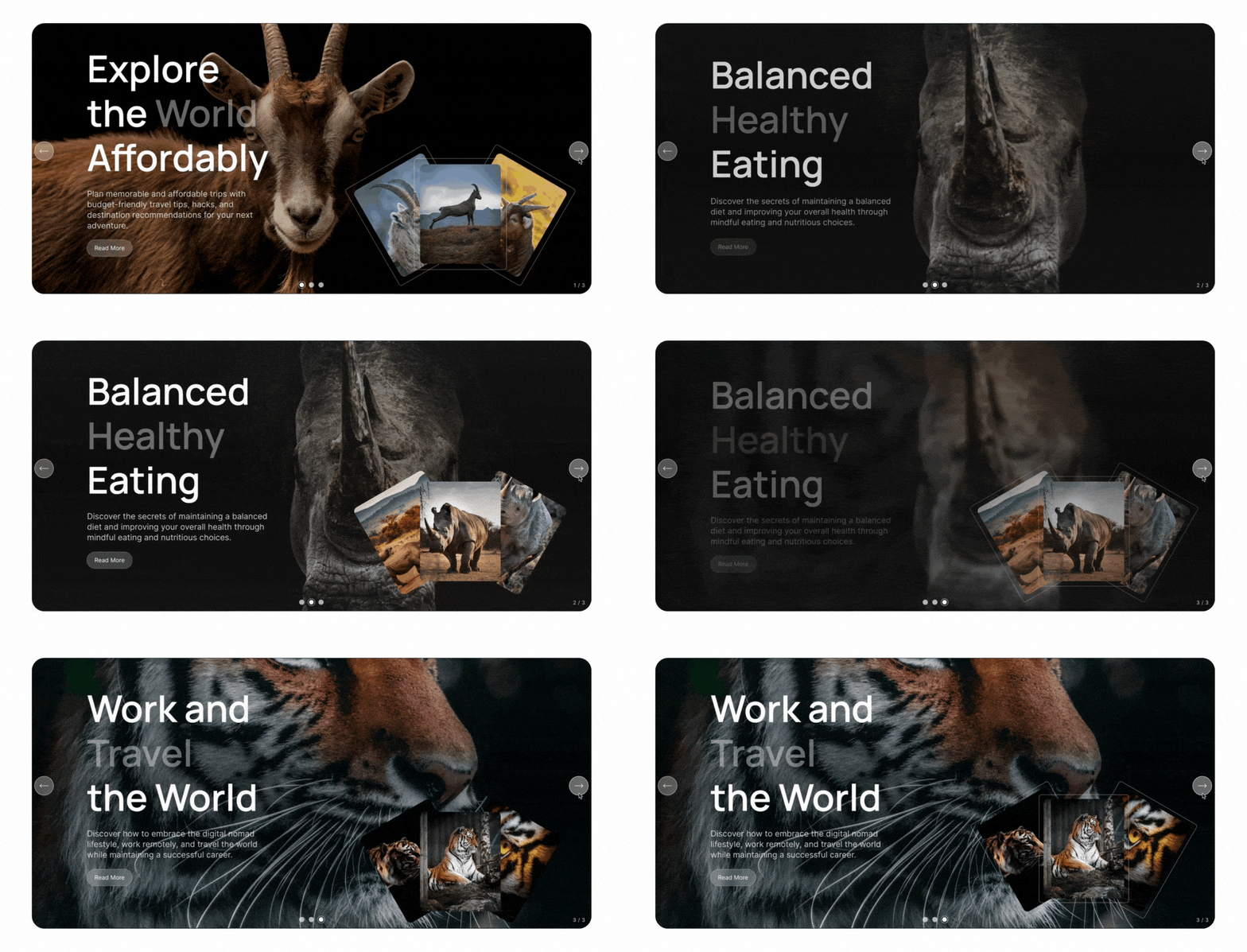
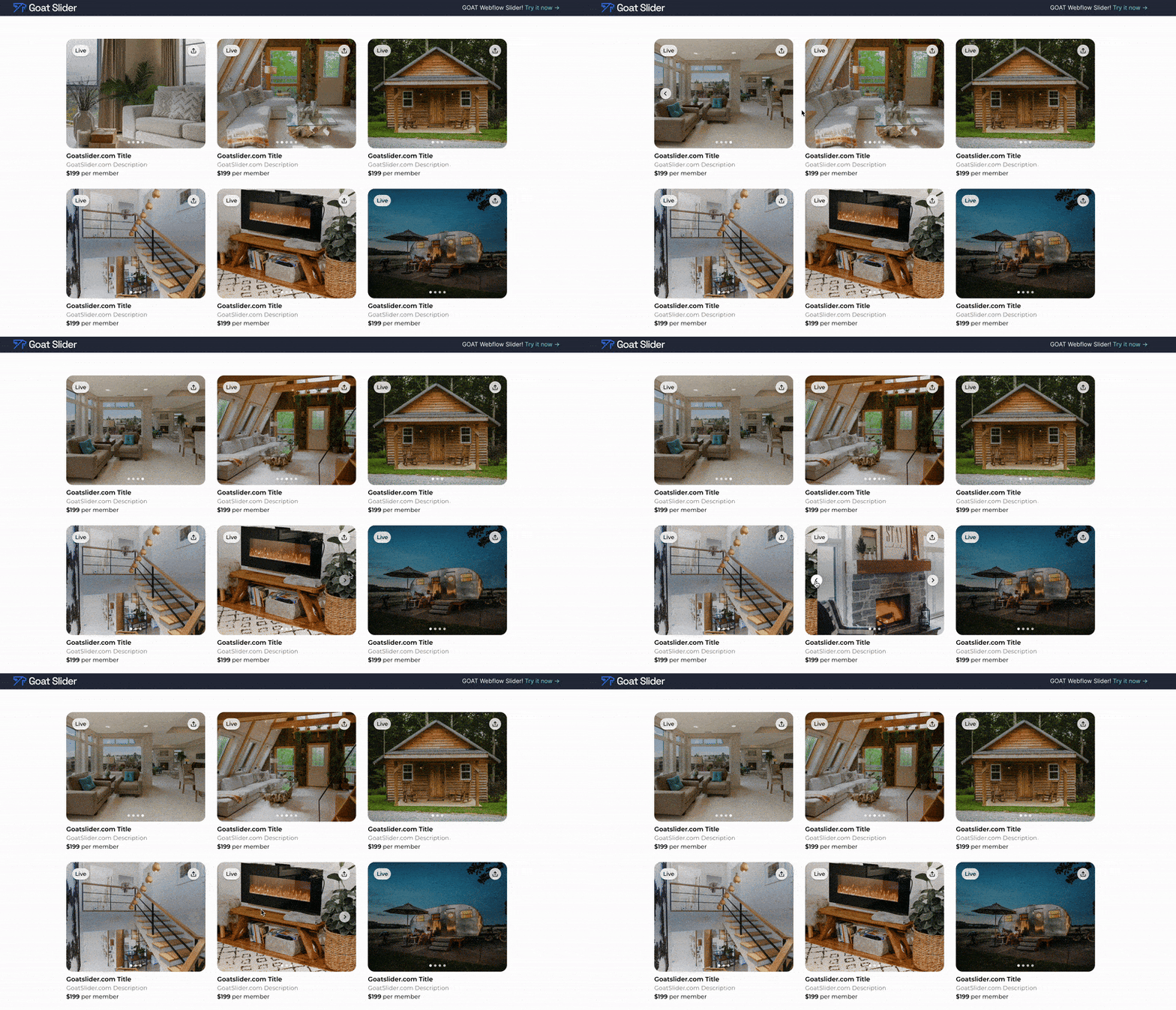
For all of you who don’t like to waste time, here is a preview of 5 demos from our premium sliders below:
1. Goat Slider
2. Airbnb Slider
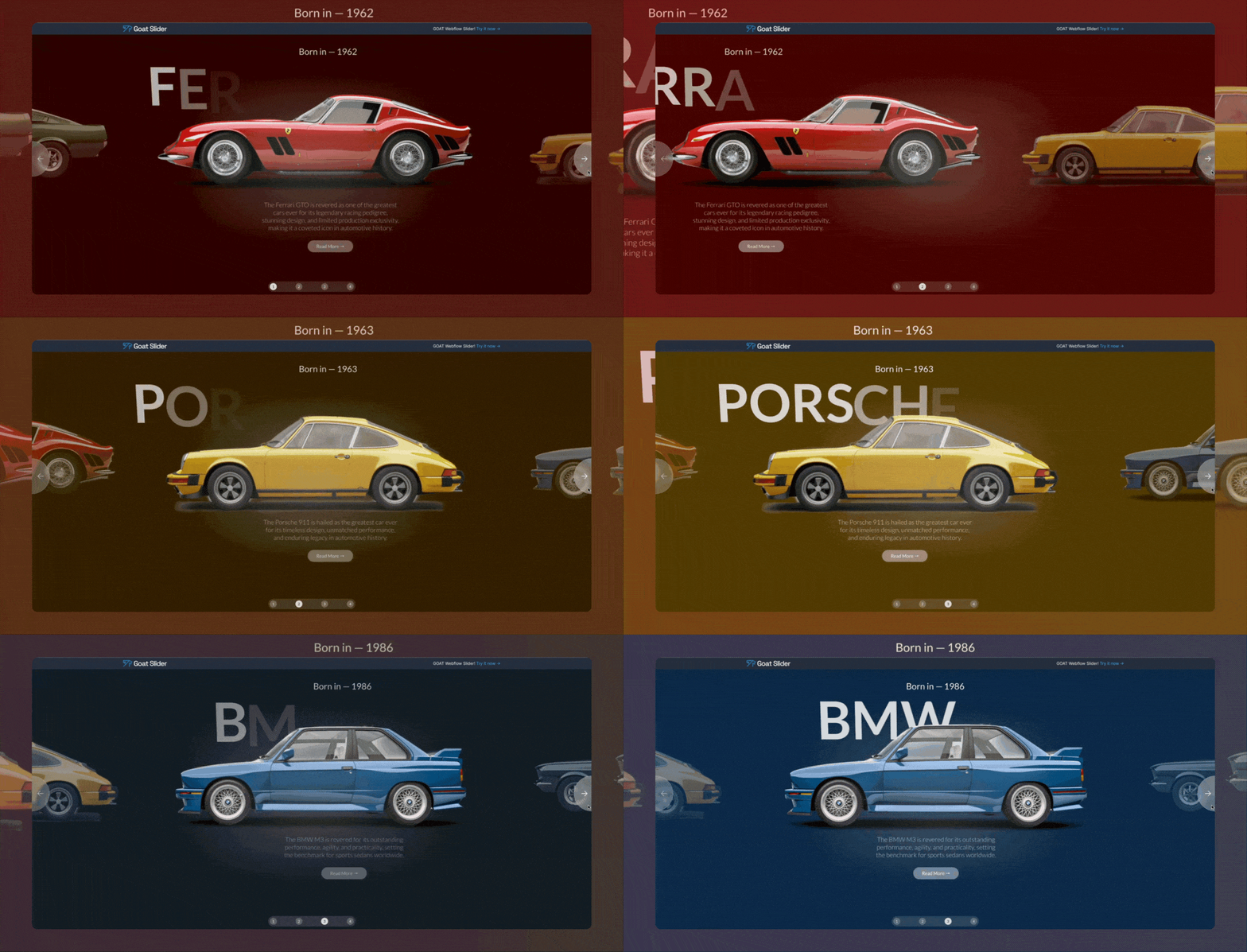
3. Cars Slider
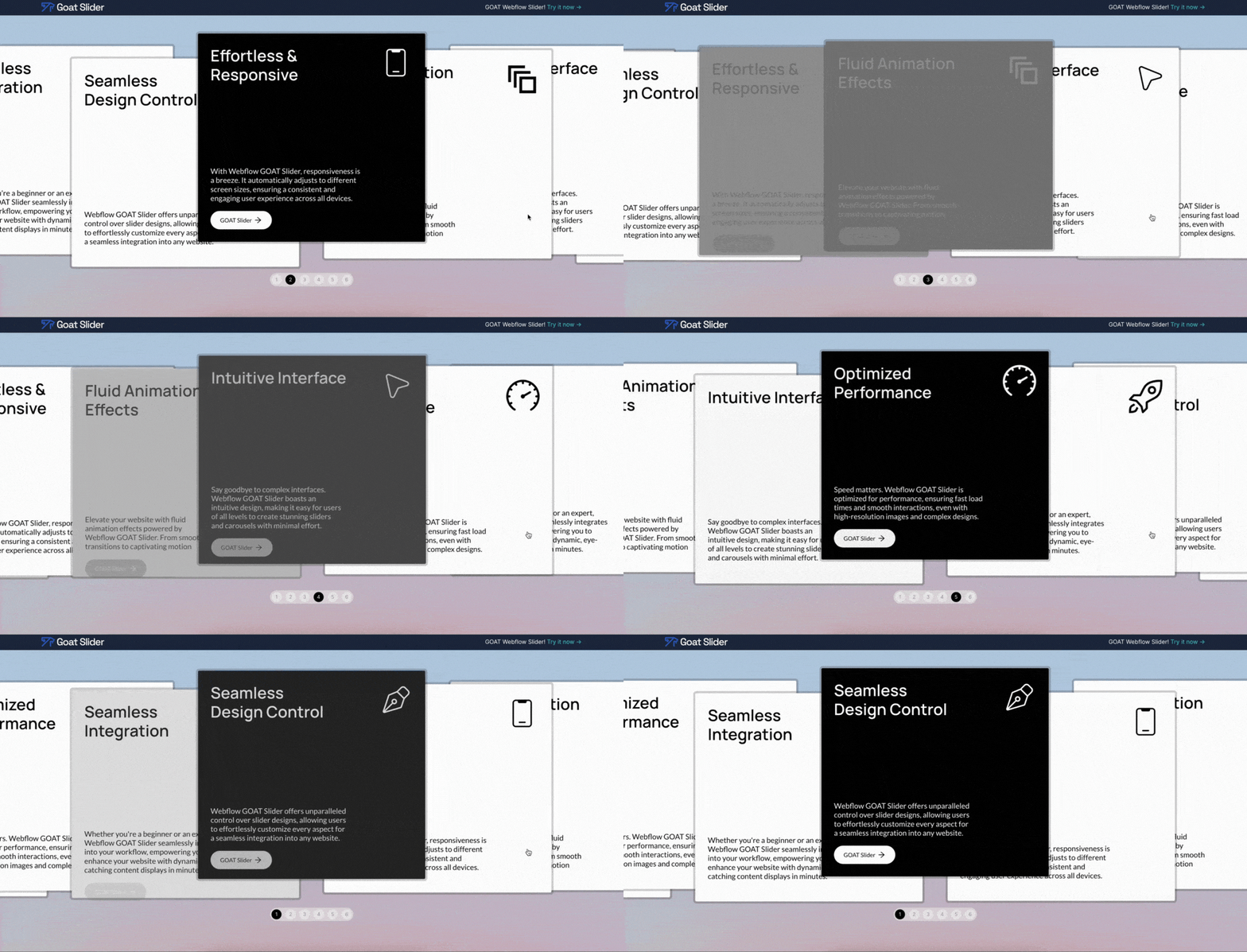
4. Cards Carousel
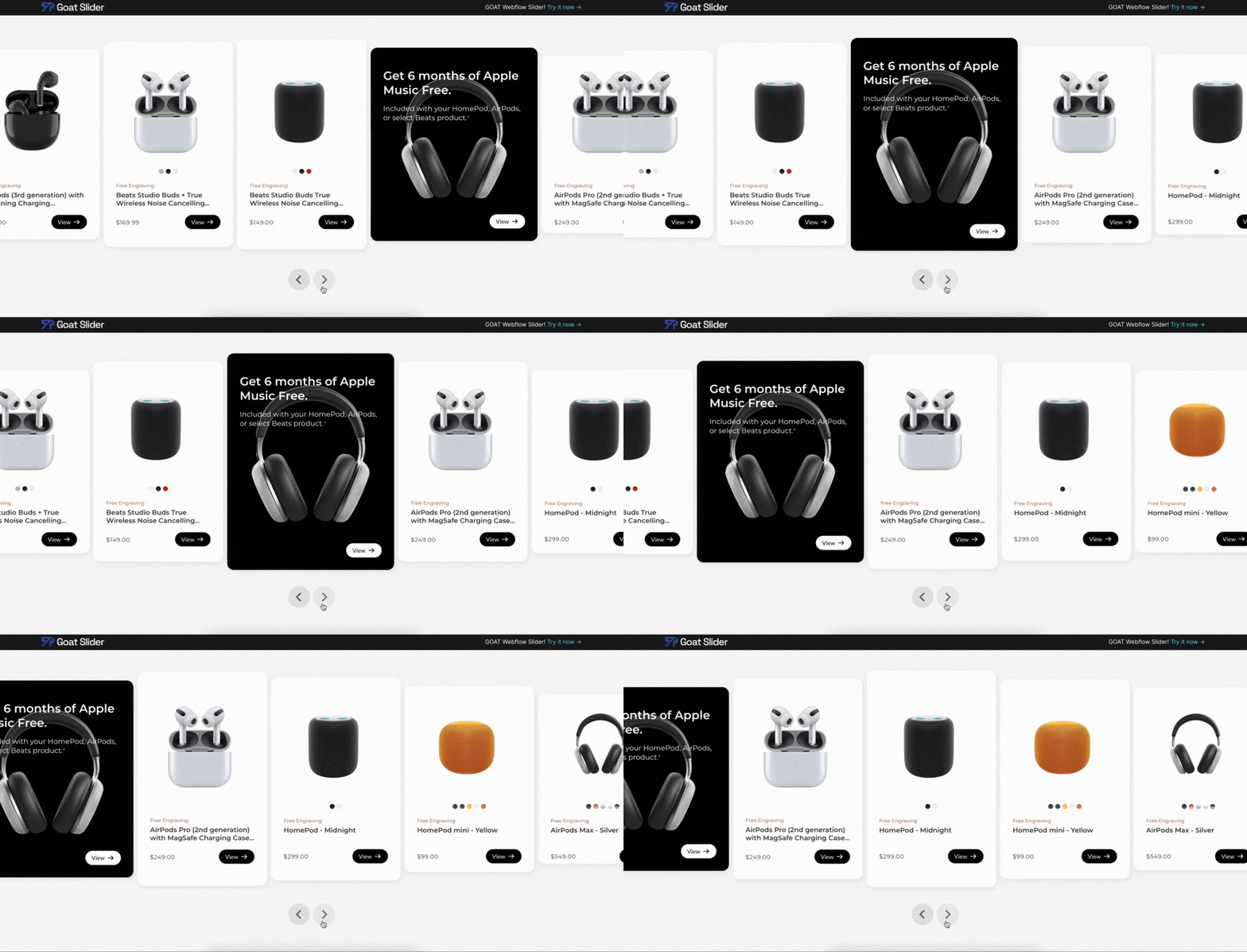
5. Apple cards
Dropping the Mic
The Goat Slider app aims to revolutionize the way designers and developers leverage sliders within Webflow, providing a much-needed solution to the limitations of the platform's built-in slider feature.
Whether you guys are building a portfolio, an e-commerce site, or a blog, Goat Slider empowers you to create dynamic and engaging sliders that captivate your audience.
Are you ready to elevate your Webflow projects? Go on, give Goat Slider a try, and experience the difference yourself!