Modulify vs Lovable, Vercel v0 and Bolt: Which AI Builder Ships a Real Product?
Something shifted in the last year. The tools that used to help you design a website now build the whole product — and they do it from a sentence. Lovable, v0, Bolt, Replit and Modulify all belong to this new category, and they are genuinely different from the “AI website builders” that came before them.
The old generation picked from a library of pre-made sections and handed you a layout. This generation generates the thing from scratch: pages, logic, data, and in most cases the hosting to run it. Here is how the main options compare — and where each one is actually the right call. For the wider field, we also ranked seven AI website builders for designers.
What this new category actually is
Call it vibe coding, prompt-to-product or agentic building — the shape is the same. You describe what you want in plain language, a model does the heavy lifting, and you iterate by talking to it rather than by dragging boxes.
What separates these tools is not really the model underneath. Those are close to a commodity now. What separates them is what each one has been taught to consider acceptable output, and how far it carries you toward something you can actually put in front of customers.
The problem nobody mentions: most AI output looks like AI output
If you have used any of these tools you have seen it. The generic hero. The three feature cards. The gradient nobody chose. Models are good at producing something that works and bad at producing something with a point of view, because “works” is easy to verify and “good” is not.
This is the most useful axis for choosing between them. Developer-first tools optimise for a working app and let the design fall where it may. Design-first tools constrain the output — type scales, spacing rules, section patterns, colour logic — so the result looks deliberate. Which you want depends entirely on whether the thing you are building will be seen by customers or by your own team.
Modulify
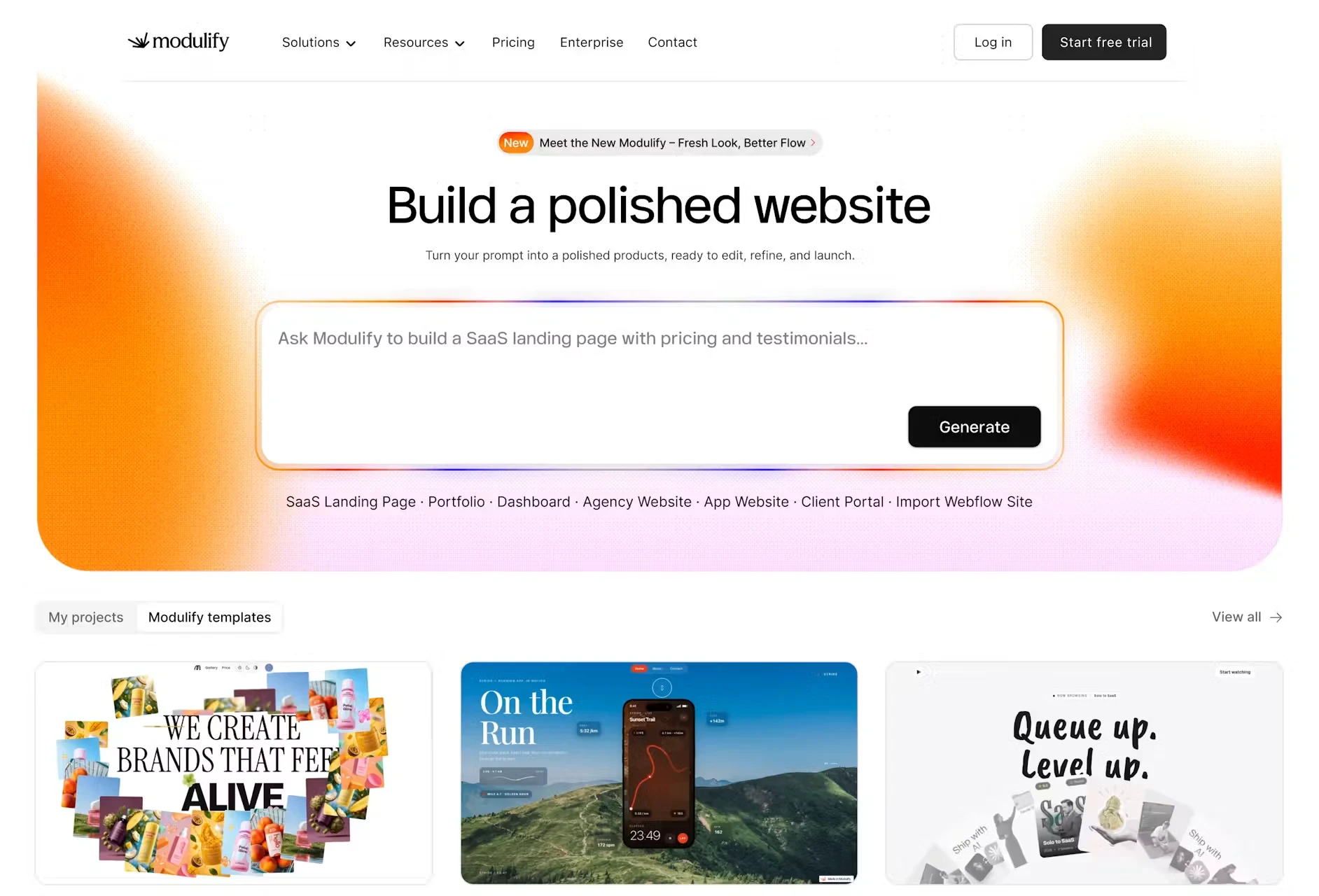
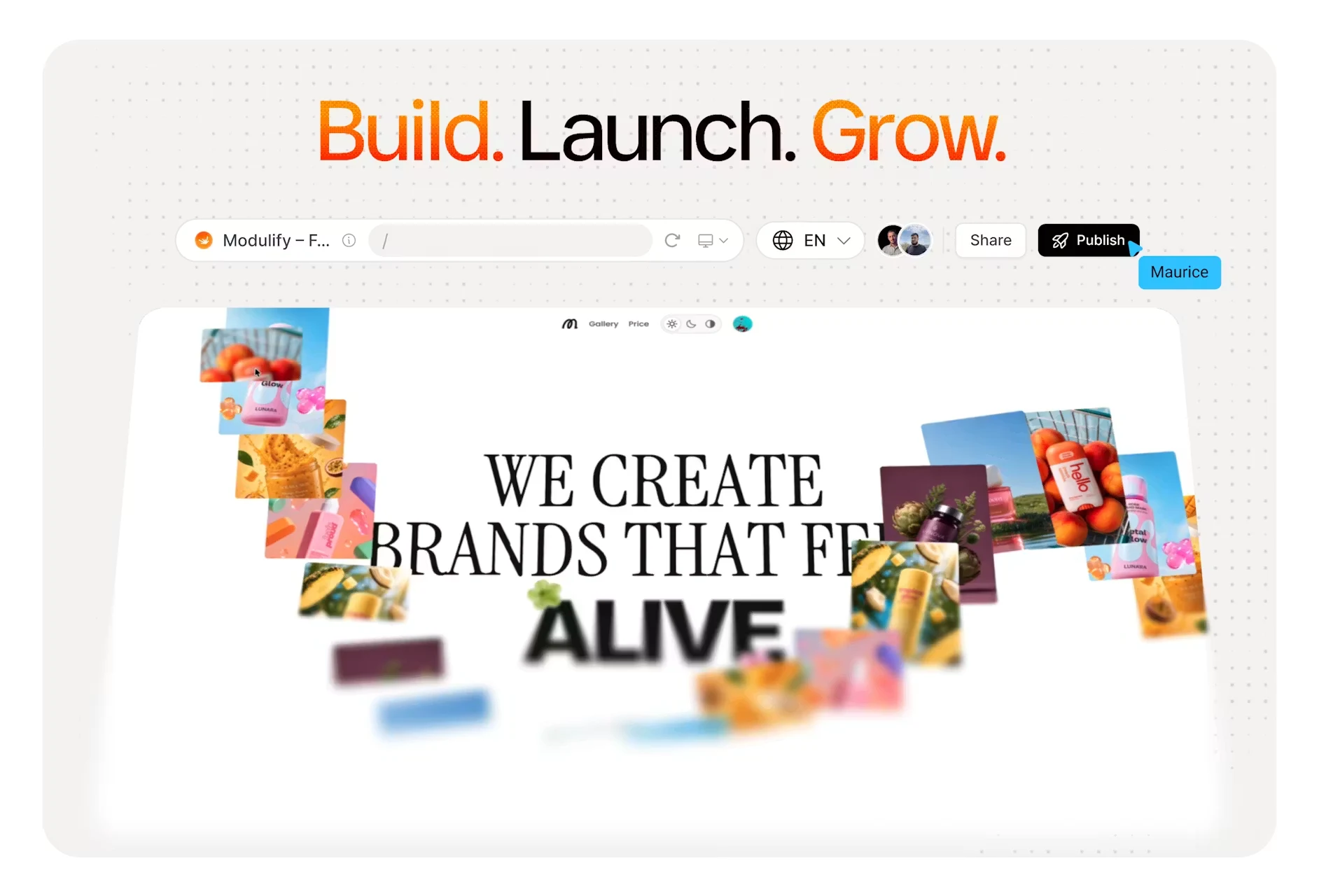
Modulify is the design-first option. You describe what you want — or hand it a screenshot, or start from a template — and it generates a real website, web app or dashboard, then hosts and publishes it.
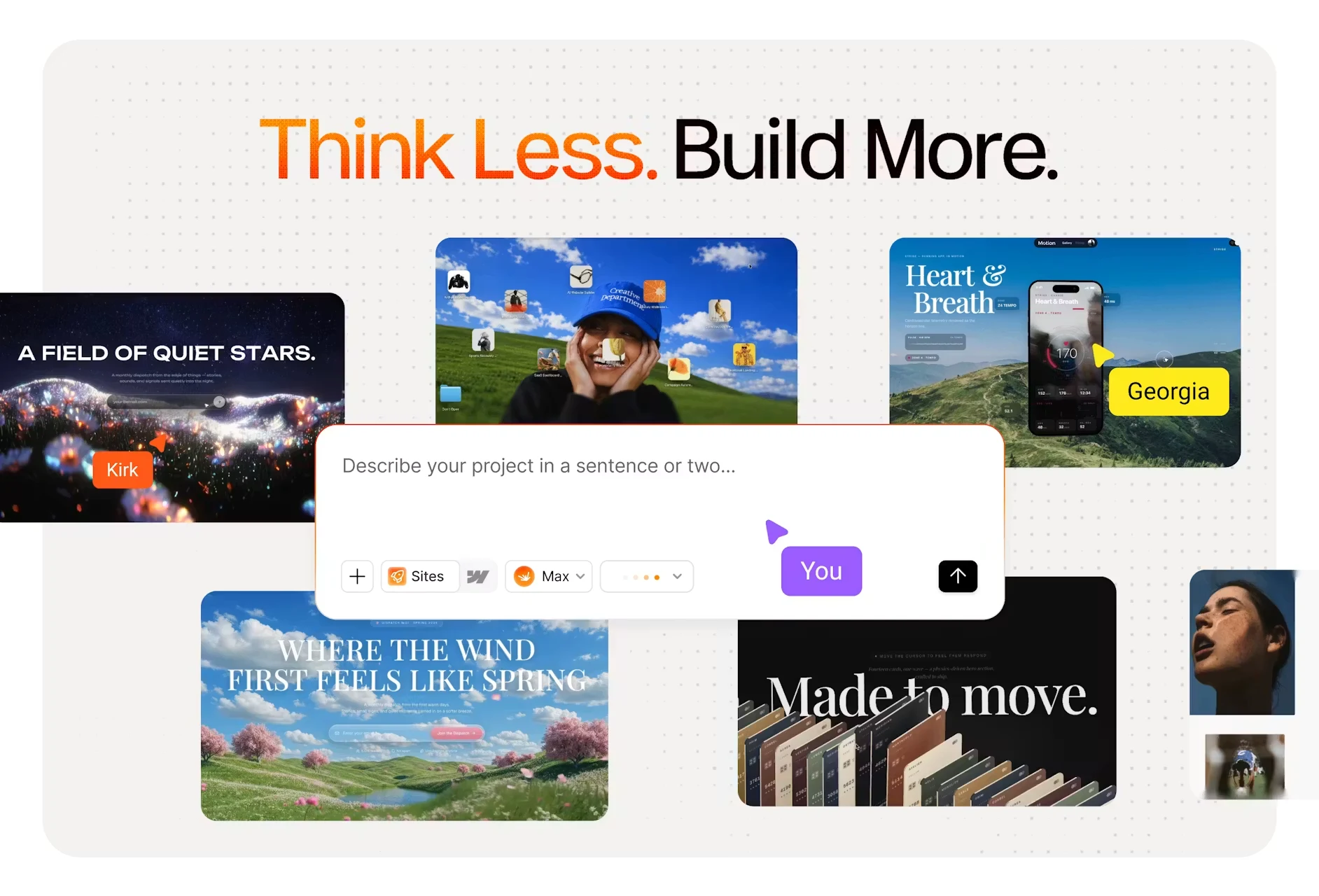
The differentiator is opinion. Type scales, spacing rules, section patterns and colour logic are already decided, so the output does not drift into the generic look most prompt-based tools produce. Skills push that further: switch on Motion & Animation, Accessibility (WCAG), Performance (Core Web Vitals), SEO & AI Search (worth reading alongside whether AI search can actually find your site) or Blog & CMS, and the build respects those standards instead of needing a clean-up pass afterwards.
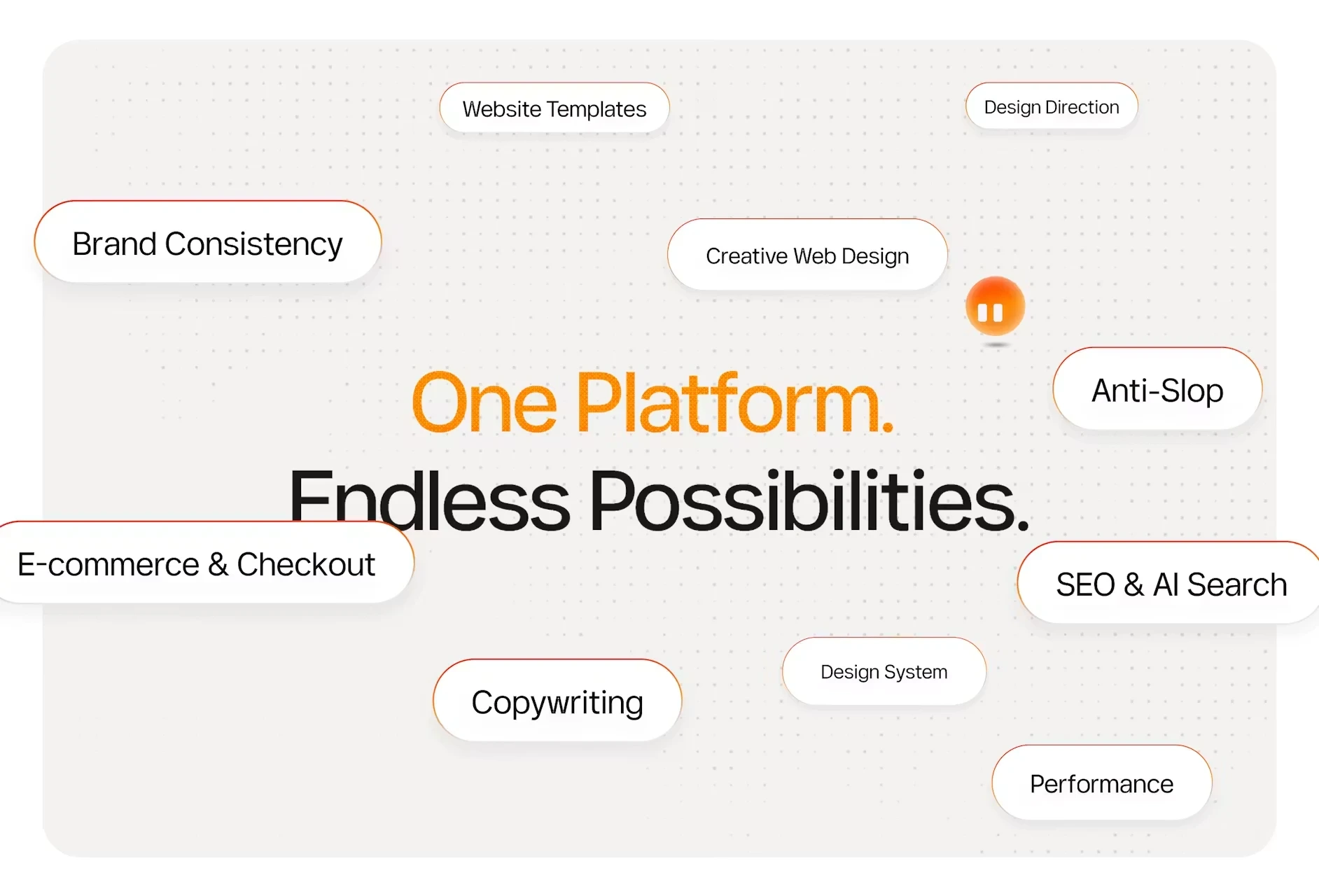
What you can build: landing pages, multi-page sites, CMS-driven sites, dashboards, web apps with forms and flows, and client portals. Every project comes with a database, file storage, built-in analytics, editable metadata and social previews, and responsive editing across desktop, tablet and mobile.
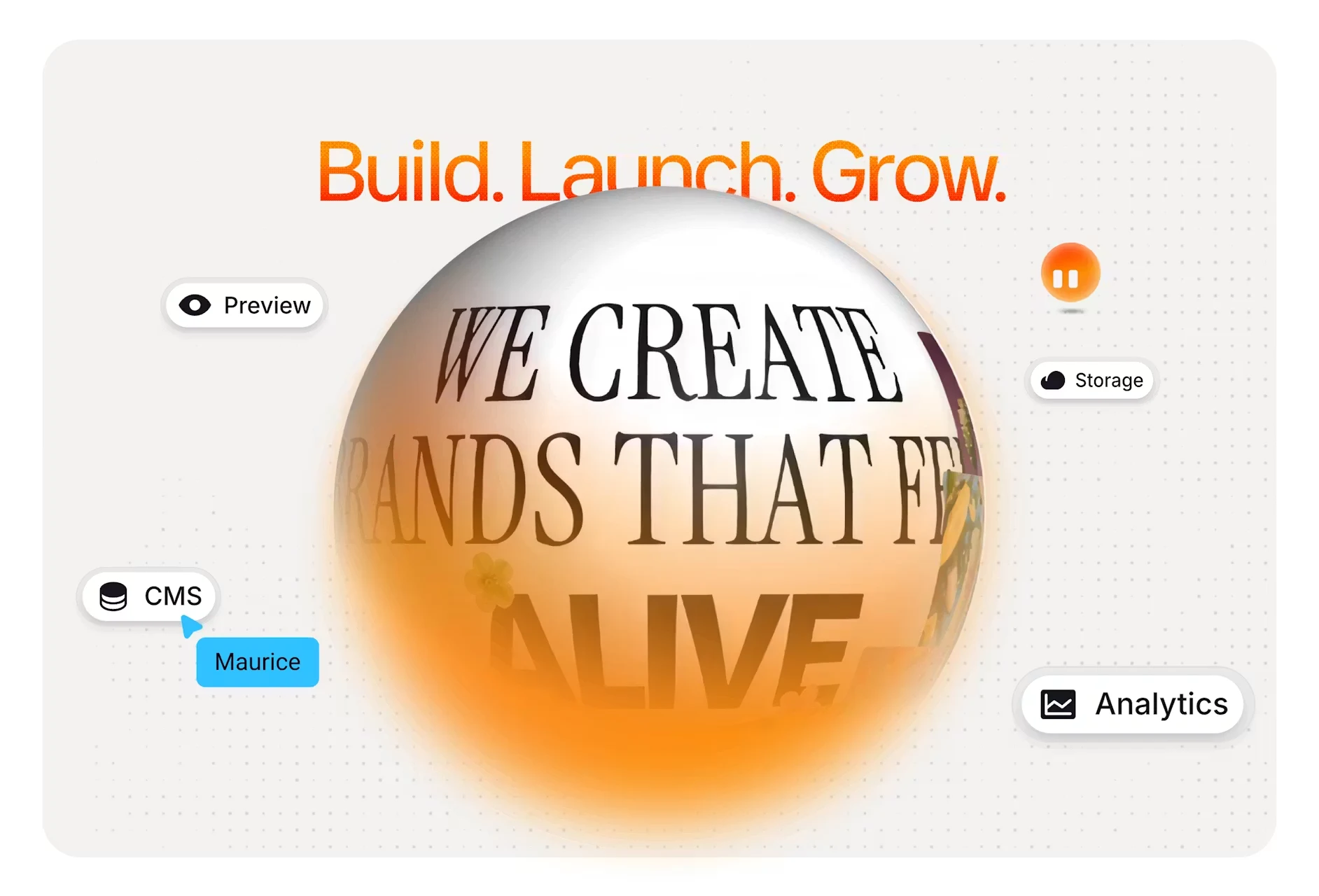
Templates: there is also a library of premium templates built for different purposes — SaaS, portfolio, agency, dashboard, client portal and more. You can take one as it is and simply drop in your own content, or use it as a starting point and build on it with AI. None of the developer-first tools in this comparison offer anything equivalent.
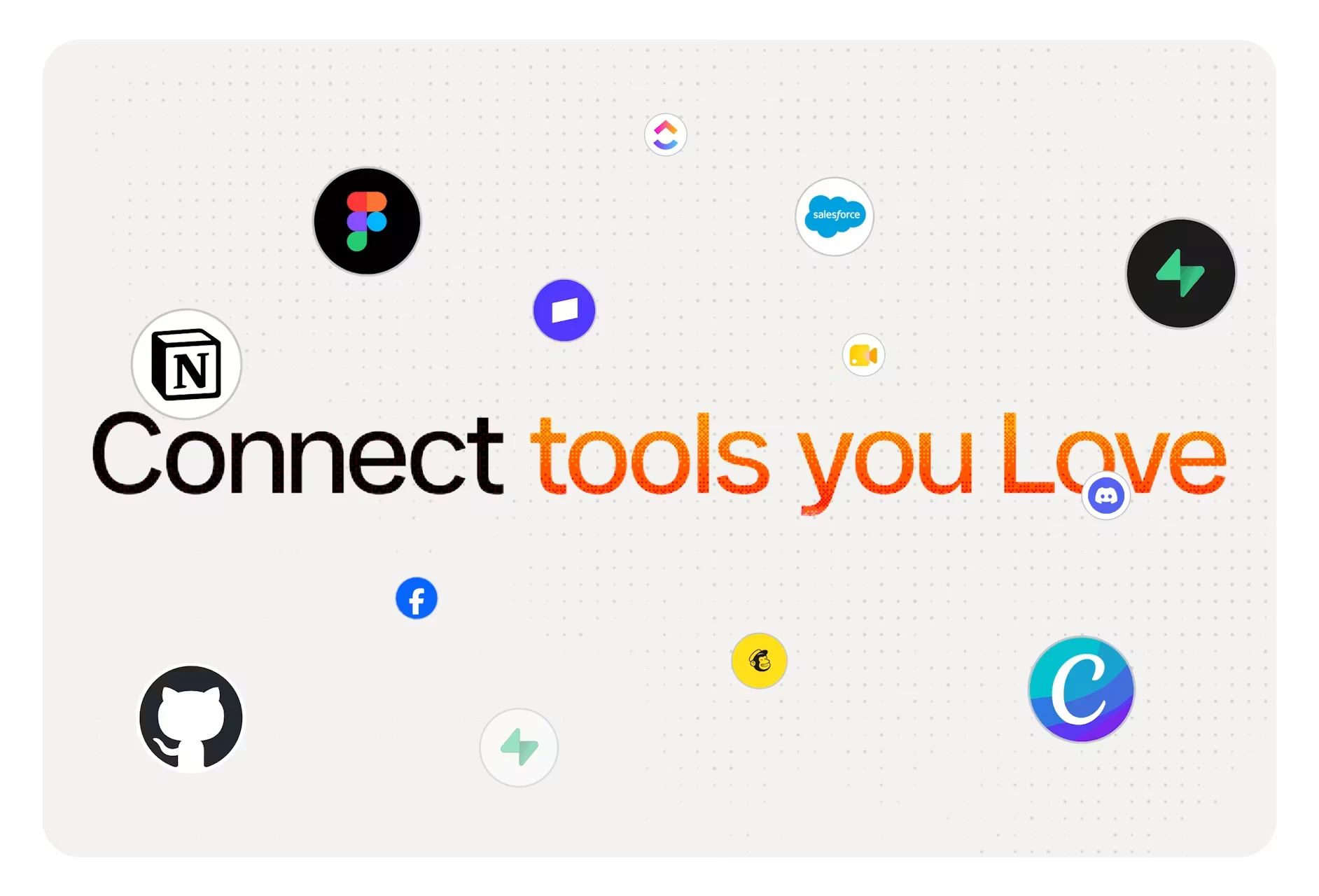
It connects to more than a hundred tools — Stripe, Slack, Notion, HubSpot and Figma among them — with no API keys to juggle and no glue code to maintain.
Hosting: included. You hit publish and it is live — on a free Modulify subdomain, or on a custom domain you already own. No deploy step, no separate host, no second bill.
Pricing: Free is $0 forever with one site and 35 AI credits a month, on a Modulify subdomain with Modulify branding. Starter is $25/month ($20 billed yearly) with 100 credits and a custom domain. Pro is $50/month ($40 yearly) and adds team members. Scale is a custom tier. Credits are compute, and generating images is the most expensive thing you can do — bringing your own makes a plan stretch a long way.
Best for: anything a customer will look at. Marketing sites, portfolios, campaign pages, client portals, and product surfaces that need to look like someone designed them.
Lovable
Lovable is the best known of the prompt-to-app tools, and it is genuinely good at what it does. Describe an application and it builds a working full-stack version with a database and authentication wired up. Founders use it to get an MVP in front of users over a weekend.
Best for: functional products where the interface needs to work more than it needs to impress — internal tools, MVPs, prototypes you plan to redesign later.
v0 by Vercel
v0 generates React and Next.js interfaces and is aimed squarely at developers. The output is code you own, and it drops into a Vercel deployment naturally. If your team already lives in that stack, it removes a great deal of boilerplate.
Best for: developers who want generated components and pages inside an existing codebase, rather than a finished site.
Bolt
Bolt runs a full development environment in the browser and generates full-stack apps you can edit and run immediately. It is fast, technical, and closer to an IDE than to a site builder.
Best for: quick technical prototypes, and anyone comfortable reading the code that comes out.
Replit
Replit is a complete cloud development environment with an AI agent on top. It builds, runs and hosts applications, and it is the most developer-native option here — a strength if you are a developer and an obstacle if you are not.
Best for: developers and technical teams who want the agent and the environment in one place.
How to choose
- Will customers see it? Choose the design-first tool. An app that works but looks generic costs you conversions you never find out about.
- Is it internal or purely functional? The developer-first tools are excellent here, and often faster.
- Do you need to own the code? All of them give you the code. v0, Bolt and Replit hand it over, and Modulify exports the whole project as a .zip whenever you want it. The difference is that Modulify also hands you a running site and takes hosting off your plate, so exporting is an option rather than a step you have to take.
- One bill or several? Check whether hosting, database, storage and analytics are included, or arrive later as separate subscriptions.
If you are coming from Webflow
Worth knowing: Modulify began as a Webflow-focused design tool, and that version is now legacy. Existing paying customers can still switch the old Webflow tools back on and export their work, but new accounts start in 2.0 without them. If you already have a Webflow site you can request a migration, and Modulify rebuilds selected sites 1:1 inside the platform — keeping the design, the pages, the CMS structure and the content model as they are. The full story is in Introducing Modulify 2.0.
FAQs
What is the difference between an AI website builder and a vibe coding tool?
Older AI website builders assembled a page from pre-built blocks. Vibe coding tools generate the page, the logic and often the backend from a prompt, then let you refine in conversation. The output is built for your brief rather than picked off a shelf.
Which AI builder is best for designers?
Modulify, because it is the only one in this group that treats design quality as a constraint rather than a side effect — and because it publishes and hosts the result without a second tool.
Do these tools replace developers?
Not for anything complex. They remove the first eighty per cent — scaffolding, layout, boilerplate, hosting setup — which is precisely the part that used to eat the first fortnight of a project.
The bottom line
The developer-first tools win on flexibility. Modulify wins on everything a customer actually sees, and on not needing a second product to put the result online, and you can still export the full code as a .zip whenever you want it. If you are building an internal tool, take your pick. If you are building the thing your business is judged by, the design constraint is the feature.
Modulify's free plan is $0 forever with one site, so trying it costs nothing — start building on modulify.ai.