So erstellst du einen Papierfaltungs-Hook, der den Scroll stoppt
Wenn du in letzter Zeit auf TikTok oder Instagram Reels unterwegs warst, hast du es wahrscheinlich schon gesehen: Ein Video beginnt damit, dass sich ein Produkt buchstäblich aus zerknülltem Papier entfaltet, oder ein Titel wird im Stil eines Zeitungsausschnitts hervorgehoben – und statt weiterzuscrollen, schaust du zu. Zumindest einen Moment lang. Vielleicht sogar länger.
Dieser Moment – diese Pause – ist ein Hook, der seinen Job macht. Und wenn du Content Creator, Freelancer oder Produktrezensent bist, könnte es eine der wirkungsvollsten Investitionen sein, die du in deine Content-Strategie tätigst, wenn du lernst, wie man eine solche Papieranimation erstellt.
So funktioniert das Ganze – und wie du es in unter zehn Minuten umsetzen kannst.
Warum Papieranimationen als Hooks funktionieren
Bevor wir auf das Wie eingehen, lohnt es sich, das Warum zu verstehen. Das Scroll-Verhalten auf Kurzformplattformen ist für die meisten Zuschauer im Wesentlichen automatisch – sie bewegen sich mit hoher Geschwindigkeit durch Inhalte und nehmen kaum einzelne Frames wahr. Was diesen Schwung stoppt, ist eine visuelle Überraschung.
Papieranimationen – ob als Paper-Cut-Effekt, animiertes Papier-Reveal oder Zeitungsausschnitt – funktionieren, weil sie eine physische, haptische Qualität einbringen, die im digitalen Video ungewöhnlich ist. Sie wirken handgefertigt, auch wenn sie es nicht sind. Genau dieser Kontrast zu den umgebenden, polierten Inhalten erzeugt die visuelle Unterbrechung.
Die Mechanik ist simpel: Überraschung erzeugt eine Pause, eine Pause erzeugt eine Ansicht, eine Ansicht wird vom Algorithmus gemessen, und eine gute Watch Rate treibt die Verbreitung voran. Eine gut platzierte Paper-Cutout-Animation am Anfang deines Videos kann die gesamte Performance dieses Inhalts verändern.
Den richtigen Papieranimations-Stil wählen
Bei Paper Animator (paperanimator.ai) stehen vier verschiedene Stile zur Verfügung, und die richtige Wahl ist entscheidend. Jeder erzeugt eine andere emotionale Reaktion.
Paper Fold ist für Produkt-Reveals konzipiert. Der animierte Papierentfaltungseffekt beginnt mit einem strukturierten, zerknitterten Papier-Visual, das sich zurückfaltet und das enthüllt, was du darunter platziert hast – ein Produkt, ein Portrait, ein Logo. Es ist eine reine Reveal-Mechanik. Nutze sie, wenn du etwas vorstellen und einen Moment der Erwartung darum aufbauen möchtest.
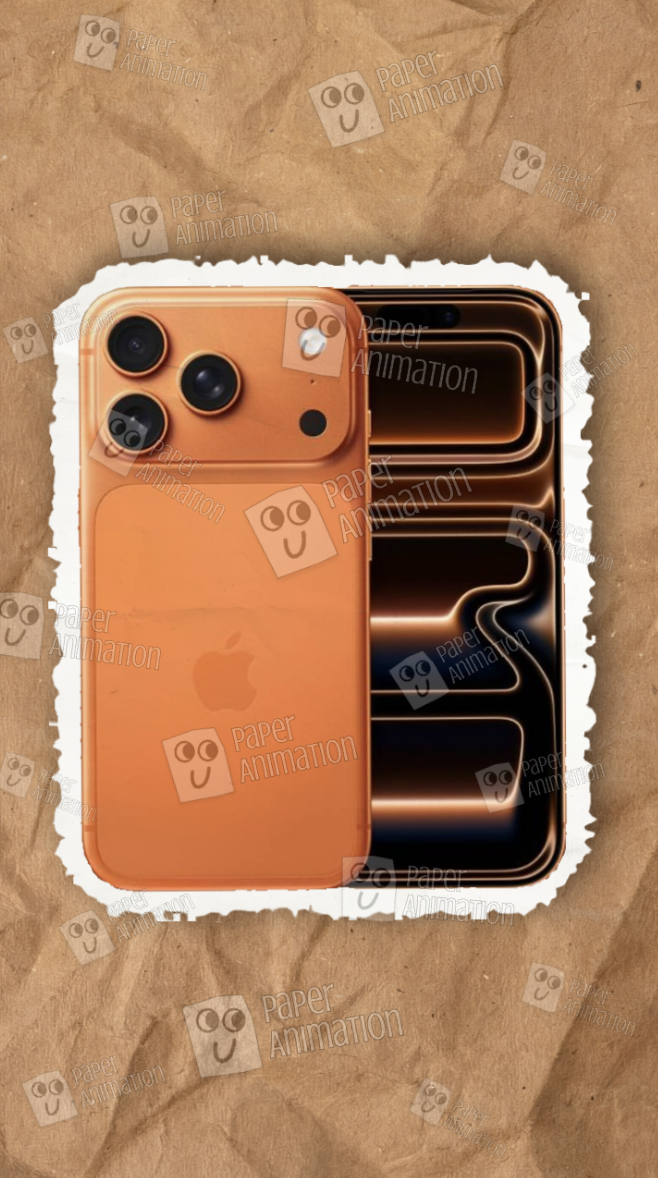
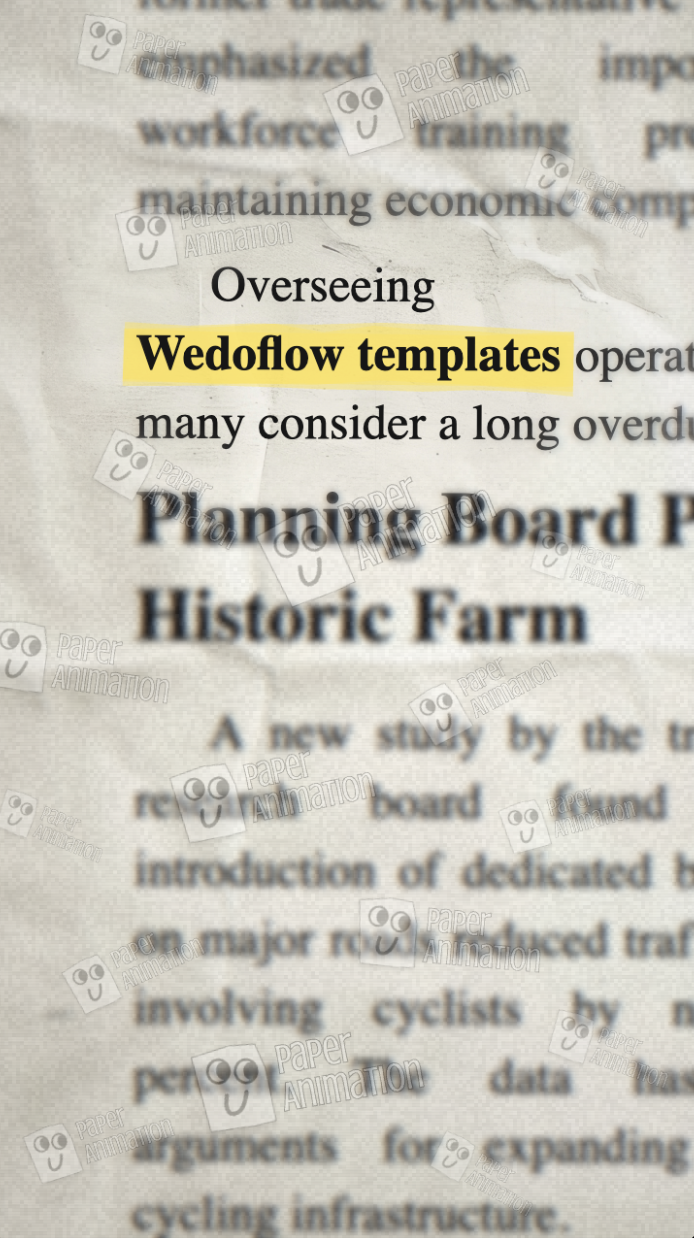
Newspaper Highlight dreht sich um Text. Es platziert deine Schlüsselphrase – eine mutige Aussage, einen Produktnamen, eine überraschende Statistik – auf einem Zeitungshintergrund und animiert eine Hervorhebung darüber, als würde jemand Breaking News unterstreichen.
Ein solcher Zeitungsanimations-Ansatz funktioniert, weil er die Autorität und Dringlichkeit des Journalismus übernimmt und auf deinen Content anwendet. Nutze ihn, wenn dein Hook eine Aussage ist und kein Visual.
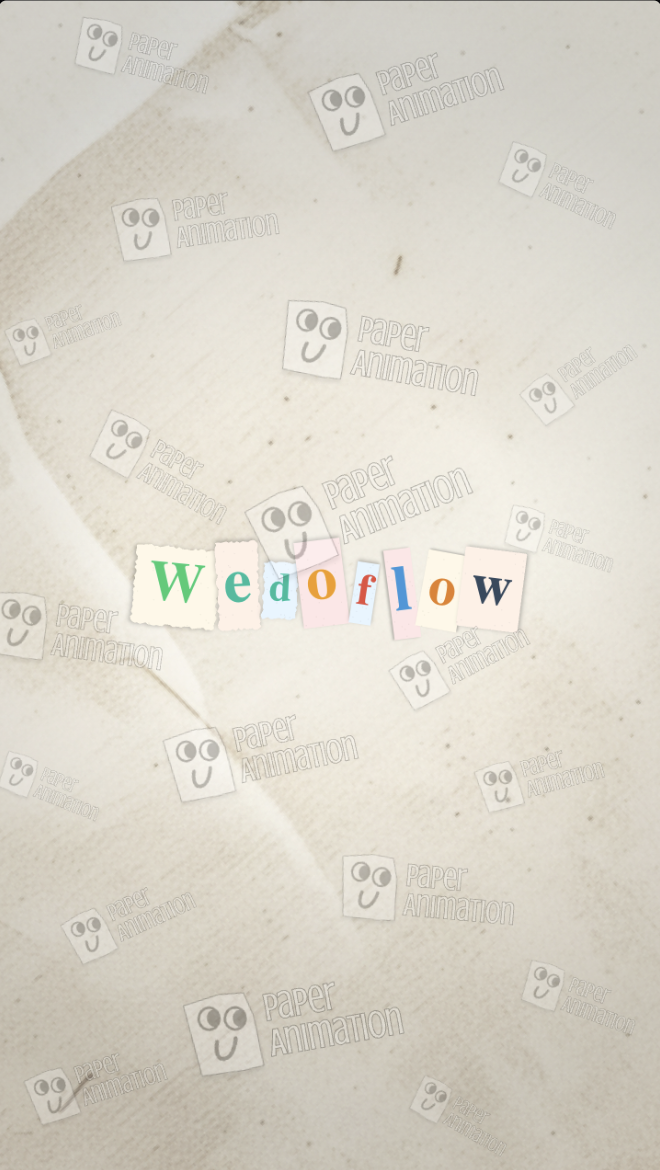
Magazine Letters erstellt eine Paper-Cutout-Animation mit Buchstaben im Stil von Erpresserbriefen – verschiedene Schriftarten, Farben und Texturen zusammengesetzt. Es ist nostalgisch, verspielt und sofort wiedererkennbar. Nutze es für Personal Branding, Channel-Intros oder alle Inhalte, bei denen Persönlichkeit und Stil Teil deiner Markenidentität sind.
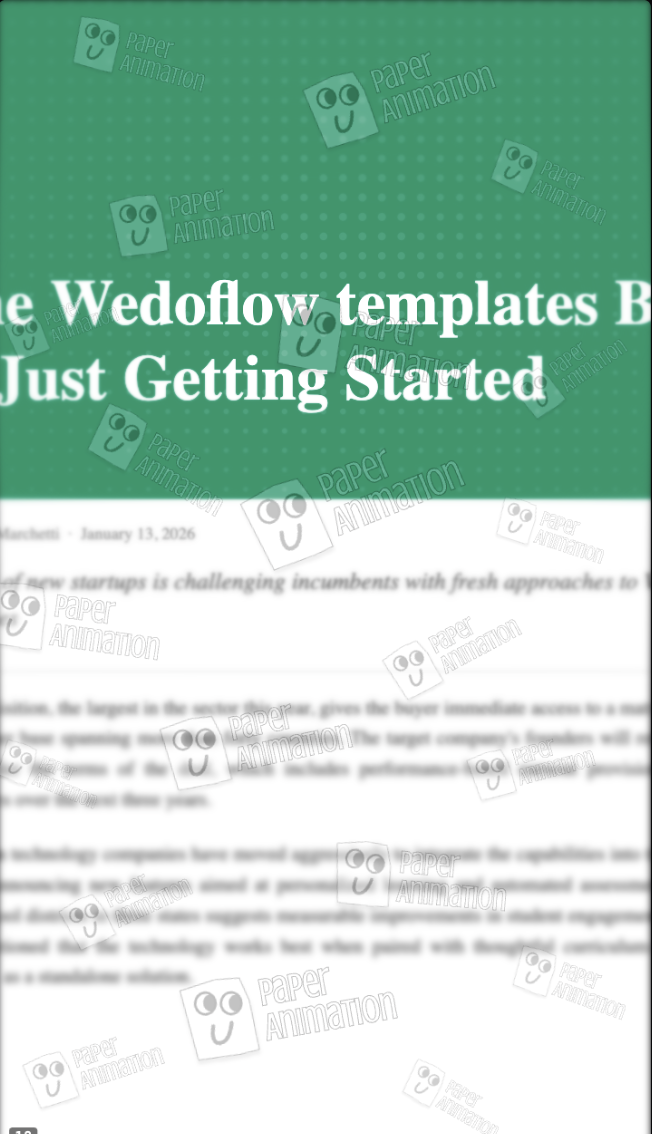
Press Coverage rahmt deinen Content so ein, als wäre deine Marke in einer Reihe von Publikationen vorgestellt worden. Es ist ein glaubwürdigkeitsstärkender Hook – das visuelle Äquivalent von „gesehen in". Nutze es, wenn du Autorität in einer Nische aufbaust oder wenn Social Proof zentral für deine Content-Strategie ist.
Schritt für Schritt: Wie du eine Papieranimation erstellst
Die Erstellung eines papieranimierten Hooks mit Paper Animator dauert fünf bis zehn Minuten. Hier ist der gesamte Prozess:
Schritt 1 – Besuche paperanimator.ai Du musst nichts installieren. Das Tool läuft vollständig im Browser.
Schritt 2 – Wähle deinen Animationsstil Wähle basierend auf dem obigen Leitfaden den Stil, der zu deinem Content-Ziel passt. Wenn du dir unsicher bist, ist Paper Fold der vielseitigste Ausgangspunkt für produktfokussierte Creator.
Schritt 3 – Lade dein Bild hoch oder gib deinen Text ein Bei Paper Fold, Press Coverage und Magazine Letters lädst du ein Bild hoch. Bei Newspaper Highlight gibst du deine Schlüsselphrase ein. Die KI erledigt den Rest – sie baut den Paper-Cut-Effekt auf, schichtet die Texturen und erzeugt die Bewegung.
Schritt 4 – Anpassen Passe Timing, Farbtöne oder die Textgestaltung je nach gewähltem Stil an. Die Benutzeroberfläche ist bewusst minimalistisch gehalten, damit du dich nie durch komplexe Einstellungen kämpfen musst.
Schritt 5 – Exportieren Lade als MP4 herunter, wenn du die Animation in Bearbeitungssoftware zu einem Video hinzufügst. Lade als GIF herunter, wenn du sie für ein Thumbnail, einen E-Mail-Newsletter oder eine Social-Media-Vorschau benötigst. Beide Formate sind sofort einsatzbereit.
Schritt 6 – Platziere sie am Anfang. Füge die Animation in deinem Video-Editor bei Sekunde null ein. Die Papieranimation wird zu deinem Hook. Der Rest deines Contents läuft dahinter ab.
Tipps für maximale Wirkung
Halte sie kurz. Die Papieranimation sollte nicht länger als zwei bis drei Sekunden dauern. Ein Hook soll das Scrollen unterbrechen und den Zuschauer zu deinem Content weiterleiten – nicht selbst der Content sein.
Passe sie deinem Thema an. Wenn du ein physisches Produkt rezensierst, nutze Paper Fold. Wenn du eine mutige Behauptung aufstellst, nutze Newspaper Highlight. Relevanz multipliziert die Wirkung.
Setze sie konsequent ein. Creator, die einen konsistenten Papieranimationsstil in mehreren Videos verwenden, bauen eine visuelle Signatur auf. Zuschauer beginnen, die Ästhetik mit deinem Content zu assoziieren, was Wiedererkennung und Rückkehrquoten verbessert.
Das große Bild
Die erfolgreichsten Content Creator sind nicht nur gut im Erstellen von Content – sie sind gut darin, Menschen dazu zu bringen, damit anzufangen. Ein Paper-Cut-Effekt in deinem Eröffnungsframe ist eine einfache, wiederholbare Methode dafür, ohne teure Tools oder Design-Expertise.
Paper Animator wurde entwickelt, um dies für jeden Creator, auf jedem Niveau, zugänglich zu machen. Wenn du bisher darauf gesetzt hast, dass die Stärke deines Contents deine Hooks trägt, lohnt es sich, das auszuprobieren. Ein animiertes Reveal, das in fünf Minuten erstellt wird, kann verändern, wie sich dein nächstes Video entwickelt.
FAQ
Wie erstelle ich eine Papieranimation kostenlos?
Paper Animator ermöglicht es dir, papieranimimierte Hooks direkt im Browser zu erstellen. Besuche die Seite, um verfügbare Pläne und Exportoptionen zu erkunden.
Was ist ein Paper-Cut-Effekt im Video?
Ein Paper-Cut-Effekt ist eine visuelle Technik, bei der Elemente in einem Video so erscheinen, als würden sie aus Papier ausgeschnitten oder durch Papier enthüllt, was einen haptischen, handgefertigten Look erzeugt. Er wird häufig als Hook am Anfang von Kurzformvideos verwendet.
Kann ich eine Paper-Cutout-Animation auf YouTube Shorts verwenden?
Papieranimimierte Hooks werden als MP4 oder GIF exportiert, beide sind mit den Bearbeitungsworkflows von YouTube Shorts, TikTok und Instagram Reels kompatibel.
Was ist der Unterschied zwischen einer Zeitungsanimation und einer Magazine-Letters-Animation?
Eine Zeitungsanimation platziert Text auf einem Nachrichten-Hintergrund mit einer animierten Hervorhebung und erzeugt so Dringlichkeit und Autorität. Magazine Letters setzt Text aus ausgeschnittenen Zeichen zusammen und erzeugt eine verspielter und persönlichere Ästhetik. Beide sind in Paper Animator verfügbar.